Download HT System Administrator
for Windows onlyYour download will begin automatically in a few seconds. If it doesn't, click here.
Installation Steps
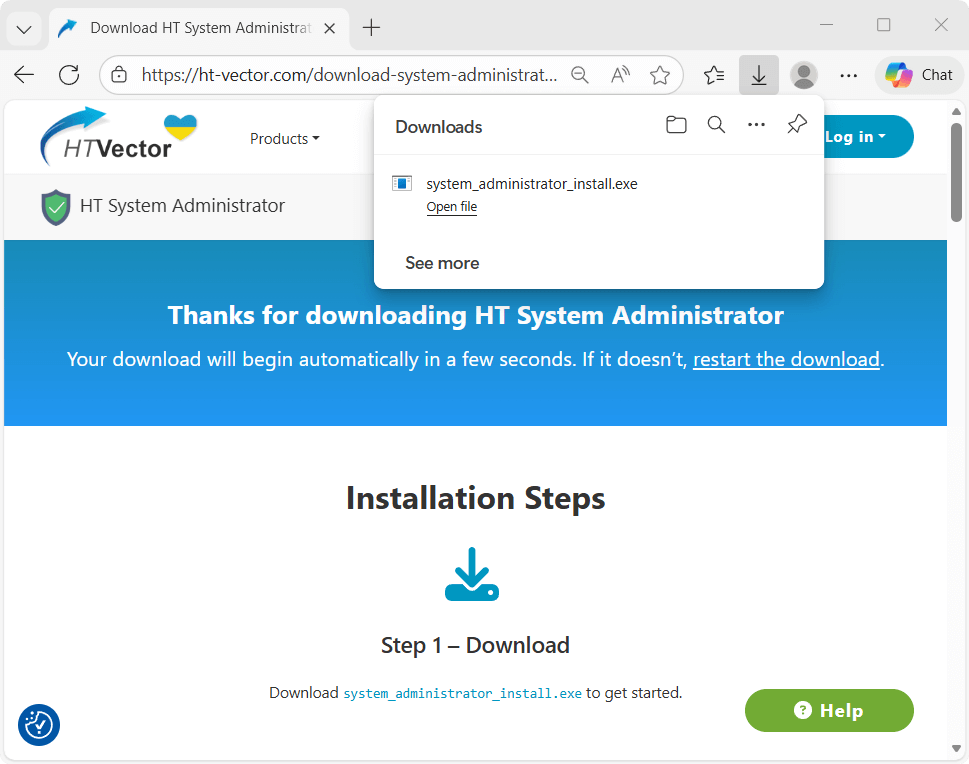
Step 2 – Install
Install HT System Administrator on employee computers, laptops, or Windows-based terminal servers you want to manage.
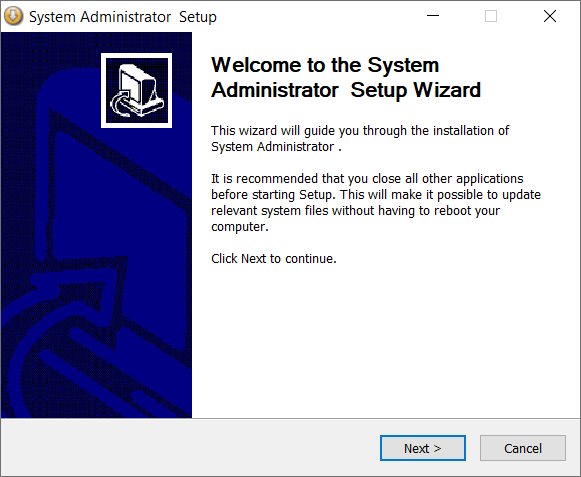
Step 3 – Set up the Rules
Limit distractions and non-work-related activities during working hours to improve focus and productivity.
FAQ
The software is designed for all Windows environments, including laptops, desktops, and Windows Terminal Servers. It is a lightweight solution that allows IT admins to enforce strict usage policies across the entire network without slowing down system processes.
Yes. You can manage settings for any PC in your local network via a web browser. For larger environments, you can use the HT Remote Manager to push security policies to all workstations simultaneously from one central console. Find out how
To save time, use the Import/Export feature. Once you’ve configured the perfect set of restrictions (blocked apps, keyword filters, and site limits) on one computer, simply export the file and import it onto all others. Step-by-step guide
If you need to manage computers across different locations or remote offices, we recommend using HT Task Vector. It features a cloud-based Online Dashboard that allows you to control devices anywhere in the world via the internet.
Yes. Under Settings > General Settings > Schedule, you can set the software to work only at specific times. You can choose to apply your schedule to Monitoring, Filtering, or both simultaneously. This ensures the software is active only during work hours and automatically turns off during weekends or breaks to respect employee privacy. Learn how
The Rules feature offers granular control beyond simple blocking. You can blacklist entire categories of websites (like Social Media, Videos, or Gambling), or block specific URLs. Conversely, you can set the software to "Allow List" mode, where the entire internet is blocked except for a few trusted business sites you’ve explicitly allowed.
Additionally, you can specify keywords to block any page if it contains certain forbidden words in the title or URL. This is a massive advantage for proactive security, as it blocks inappropriate content even on new or unknown sites that haven’t been added to a blacklist yet. Read detailed instruction
Additionally, you can specify keywords to block any page if it contains certain forbidden words in the title or URL. This is a massive advantage for proactive security, as it blocks inappropriate content even on new or unknown sites that haven’t been added to a blacklist yet. Read detailed instruction
HT System Administrator is designed to be "tamper-proof." The Rules are enforced at the system level, meaning they continue to work even if a user tries to use a VPN or Proxy. Furthermore, you can use the App Rules to block the installation any VPN software entirely.